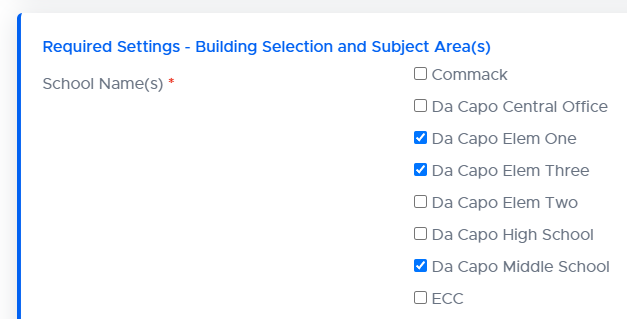
Teachers who use Da Capo Inventory can manage the inventory and enrollment of instruments and students in all of the buildings in which they teach. To select buildings, visit the ‘User Profile’ page and check off the buildings that you would like to access.
Note: Directors of Music have the ability to prevent teachers from adding or switching buildings.
To switch your active building: #
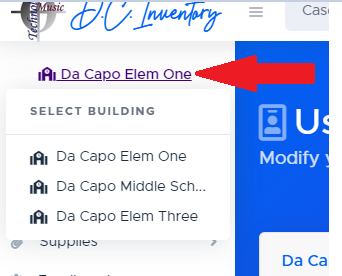
To switch your current building, click the purple building title at the top of your main menu. A list of your selected buildings will appear and you can switch buildings.